Changelog

Follow new updates and improvements to pland.

MyTutorial Integration + Kleine Verbesserungen & Fehlerbehebungen
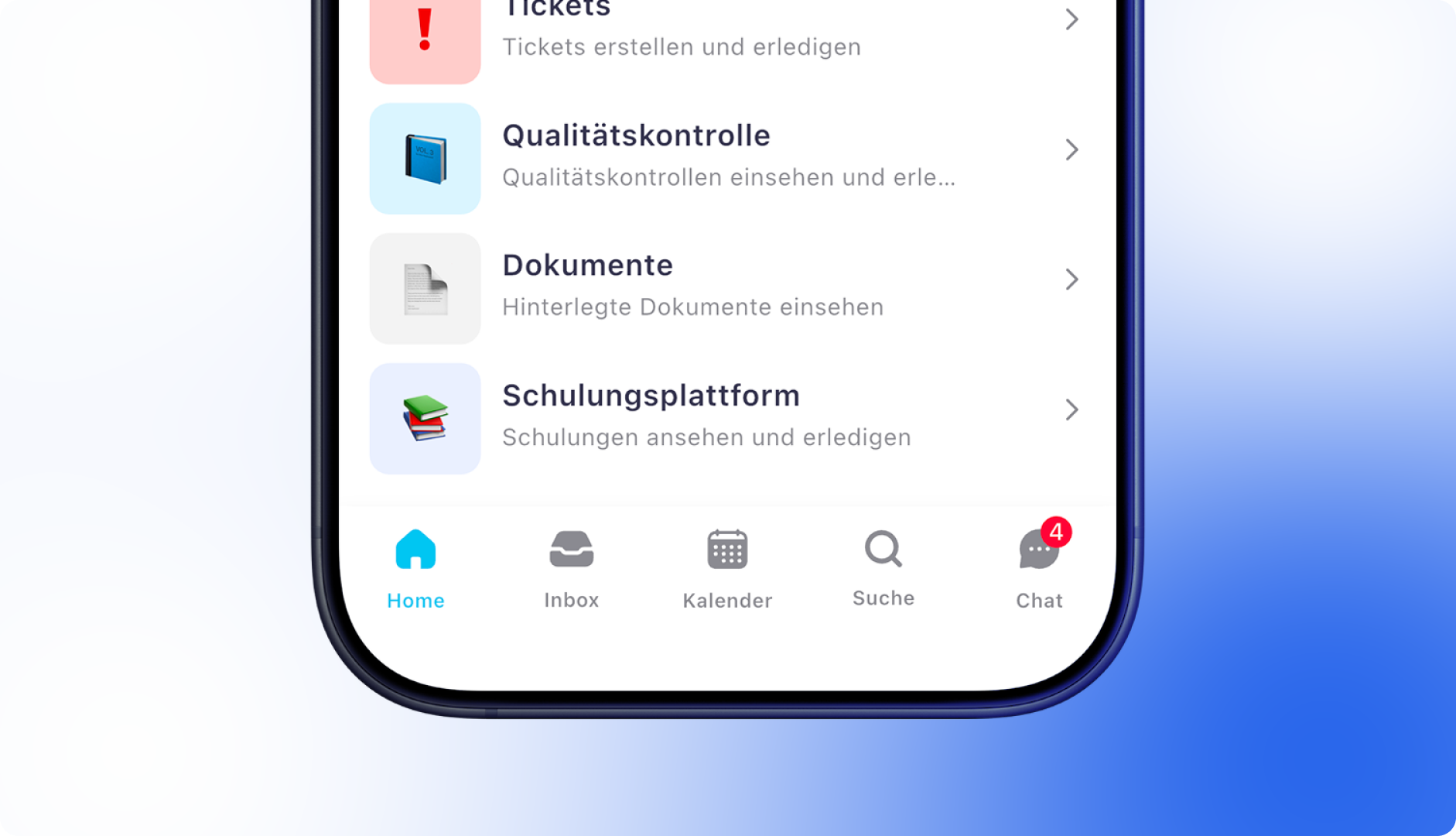
πŸš€ New Integration: MyTutorial

If you're already using MyTutorial, you can now integrate the training platform directly into Pland and make the training content available to your team directly within the app.

Here’s how it works:

  • Add your MyTutorial API key under Settings > General > Integrations

  • Enter each employee’s MyTutorial username in their profile under Info > Account

  • If you need help, our Customer Success Team is happy to assist you via chat

πŸ‘‰ Not a MyTutorial customer yet?
Learn more here – and don’t forget to mention that you're coming from Pland when you reach out. You can also contact Carsten Will directly (πŸ“§ [email protected], ☎ +49 2051 8031920). Special conditions are available for Pland customers.


♻️ Improvements

  • In the β€œLink invoice” pop-up, the payment reference field has now been added to the payment details for better clarity.

🐞 Bug Fixes

  • Fixed an issue where the numbering of orders, objects, or similar entries continued from a deleted custom number. Numbering now resumes correctly from the next available active/passive number.

  • Improved rounding logic for Swiss rappen amounts, eliminating small rounding discrepancies.

  • Custom permission groups can now once again correctly view absences in the app.

  • Device access has been restored for users in custom permission groups.


App Update 9.0.8

♻️ Improvements

  • When employees record a break in the app, a separate timer now starts and displays the break duration live.

  • Material order and ticket numbers are now clearly shown in the app.

  • The material orders and ticket lists now include a search function, available both in the full list and within the object-specific view.


🐞 Bug Fixes

  • A rare issue where the app froze when opening certain shifts has been resolved, improving overall stability.

New Accounting Report & Improved Multilingual Support in the App

New Revenue Analysis in Accounting

With the latest update, you can analyze your revenues in accounting even more precisely. The new report offers flexible filtering and breakdown options, either by gross or net amounts, and based on invoice date or service period. This gives you a clear overview – on a daily, weekly, monthly, or quarterly basis.

  • Breakdown by invoice status, customer, order type, or object (if assigned)

  • Filters for order type, status, customer, and object

  • Date selection: analysis by invoice date or start of service period

  • Gross/net revenue toggle

  • Flexible time axis – day, week, month, or quarter

  • Growth curve shows changes compared to the previous period

  • Tabular view with total sum based on selected breakdown and time range

Auswertung im Rechnungswesen erweitern


App Update 9.0.6

♻️ Improvements

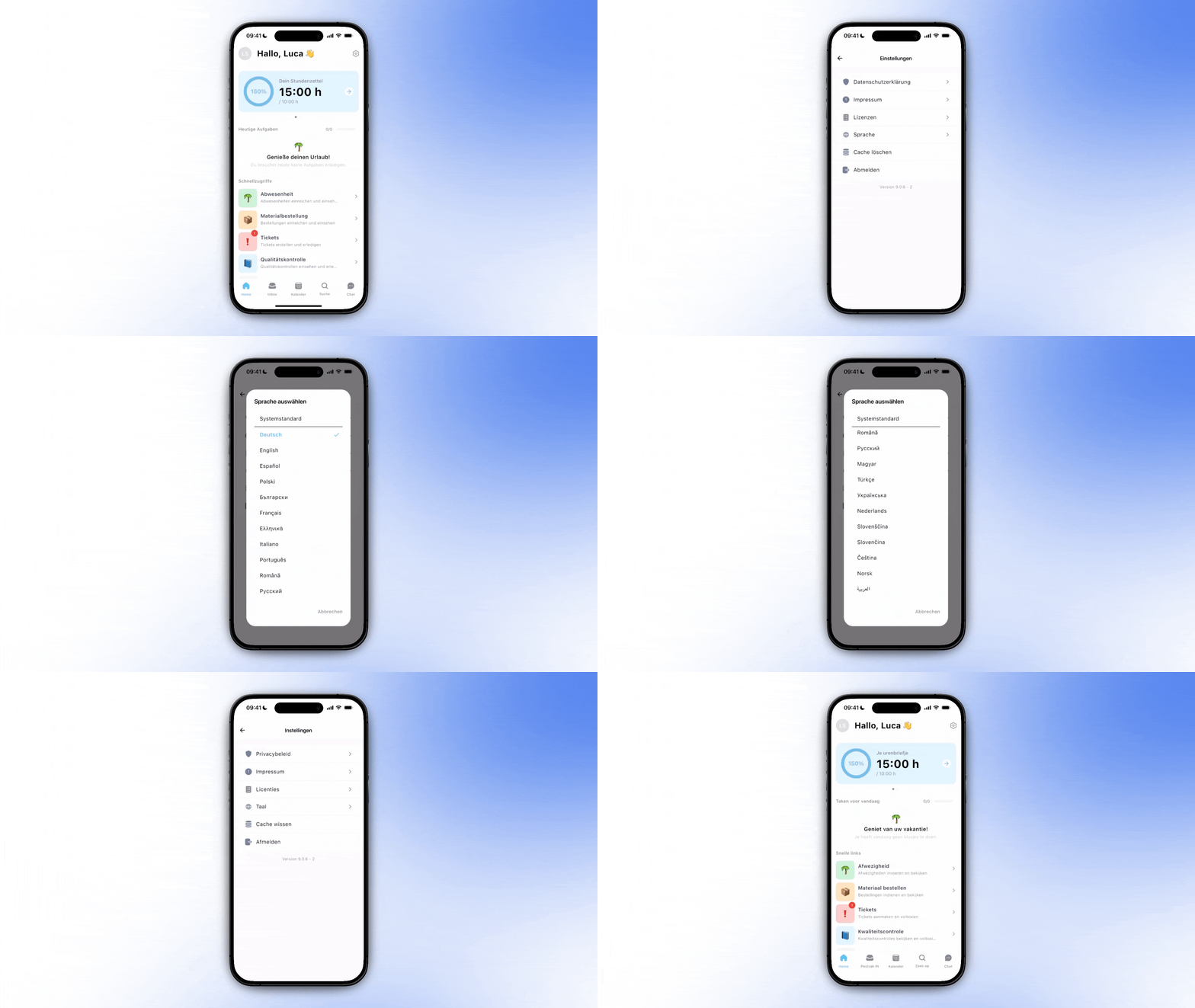
  • Language selection available:
    The preferred app language can now be chosen independently of the device language via the app settings.

  • Hungarian added:
    Hungarian has been added as an available app language and is now accessible to all users.

  • Translations improved:
    Numerous in-app texts have been reviewed and refined to further enhance the user experience.

🐞 Bug Fixes

  • Shifts are now correctly hidden during absences, ensuring that employees cannot clock in for shifts while marked as absent.

  • The key identifier has been added as a new field in the app and is now visible within the key management section.

  • Passive absence types are no longer selectable when creating a new absence.

  • URLs, such as the imprint and privacy policy, can now be opened again reliably on Android devices.

Neue FunktionVerbesserungenBehobenDashboardApp

Key management 1.0 and more!

Key management is here! Manage your keys in the dashboard and in the mobile app. We have now added another much-requested function. If you have any suggestions for improvements, please let us know via the feature requests tab in the sidebar.

The Pland API documentation is public

Over the last few weeks, we have been working on our interface documentation. From now on, individual workflows can be built via our API interface.

Different billing address and recipient at order level

You can now select a different invoice recipient on orders! More flexibility for your invoicing process. This is particularly interesting for users who work a lot with property management companies.


Improvements ♻️

  • β€œYou're traveling too fast!” - is a thing of the past. We have adapted our infrastructure to enable you to work even faster.

  • From now on, jobs are sorted alphabetically in the job dropdown.


Bugfixing 🐞

  • We have technically improved the API keys.

  • You can also create invoice recipients with only one email address (Error code: Contact::$lastName must not be accessed before initialization).

Neue FunktionVerbesserungenBehobenDashboardApp

Earlier updates